D&D · WorldbuildingDungeons & Dragons Homebrew CampaignTeacher. Creator. Always curious.
Benjamin Helton
Educator by profession. Creator by nature.
I teach English, write fantasy, design exciting resources, and build creative experiences that bring ideas to life.
Projects & creations
NINE PROJECTS. ROOM TO EXPLORE.Drag with your mouse, swipe, or scroll to browse. Focus this list and use Left or Right Arrow to move one card, Home for the first, End for the last. Tab to a project and press Enter to open its link or details. External links open in a new tab. The slideshow advances every 4 seconds unless paused. Use the Pause slideshow button to stop it.
D&D · WorldbuildingDungeons & Dragons Homebrew Campaign
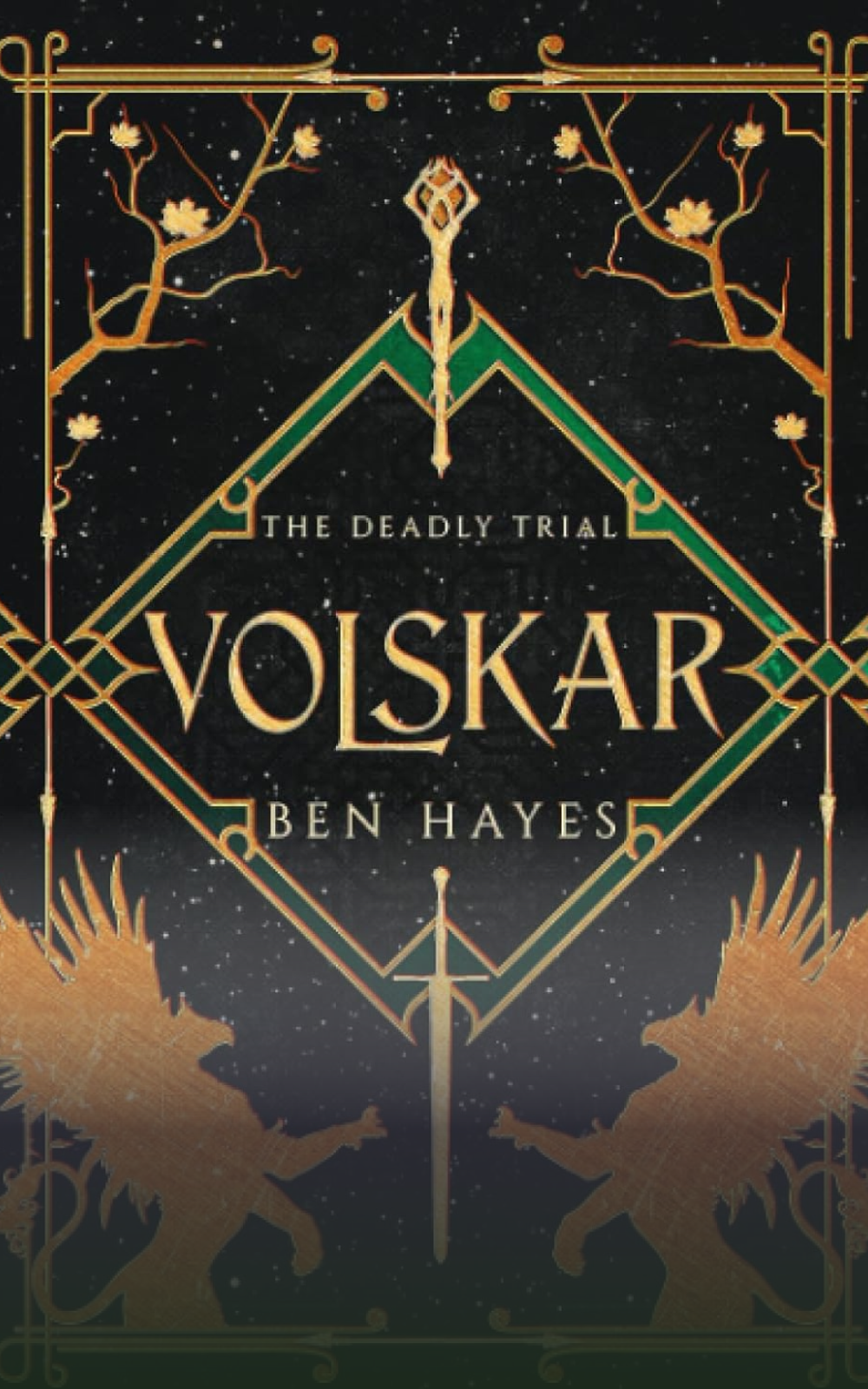
Writing · Fantasy novelVolskar (opens in a new tab)
Education · ResourcesNew-Age ELA Resources (opens in a new tab)
Education · ELAMost Dangerous Game Unit
Education · Creative projectsDystopian Propaganda Posters (opens in a new tab)
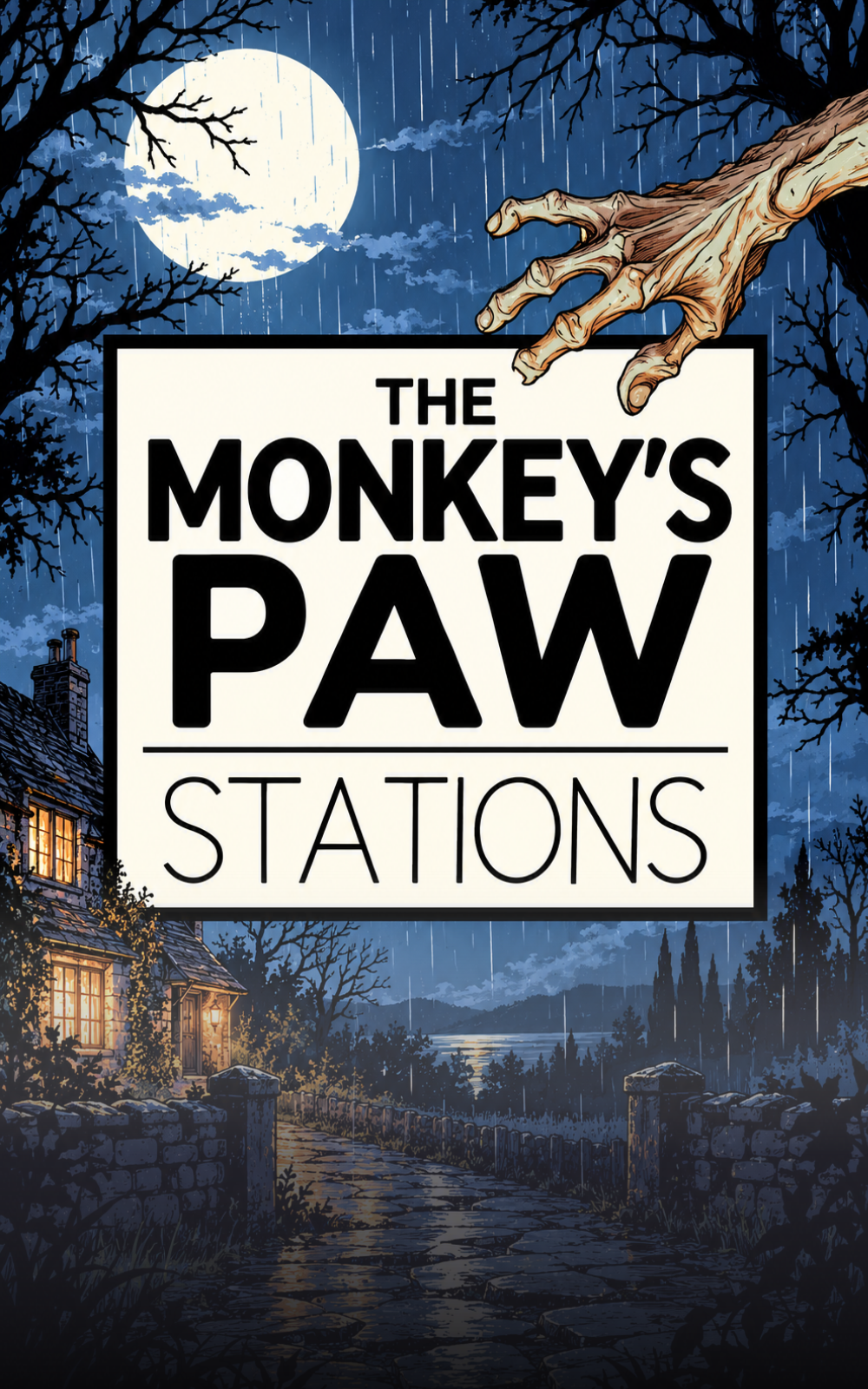
Education · ELAThe Monkey’s Paw Stations (opens in a new tab)

Education · ELAThe Lottery Close Reader with Questions (opens in a new tab)Drag, swipe, scroll, or use the arrows.
Prototype notes & image sizes
This is a working layout prototype. All nine cards use your artwork and project names. Five project cards link to Teachers Pay Teachers or Amazon in a new tab. The remaining four open short detail panels until you add destination links. About and Contact open editable demo panels.
- Create each image at 1000 × 1600 pixels, a 5:8 portrait ratio. For a larger source, use 1500 × 2400 pixels. All nine slots use the same ratio.
- Your current artwork is saved beside this file as
project-07.png,Project-09.png,Project-08.png,project-04.jpg,project-05.png,project-06.png,Project-10.png,Project-11.png, andProject-12.png. PNG, JPEG, and WebP are all supported; the filename and extension in the HTML must match the actual file. - In the HTML, insert
<img src="project-07.png" alt="Describe the artwork">directly after the opening button tag for the firstclass="project". Repeat with each filename. Usealt=""if the art only decorates the already titled project. - Images scale automatically. Keep key subjects in the center and leave the bottom quarter clear for the visible HTML title. The title gradient is already included. Adjust
object-positionon an individual image to change its crop. - Four cards fit across wide screens; narrower screens show fewer cards with a peek at the next. The arrows loop through all nine projects in either direction. The slideshow advances one card every 4 seconds, loops forward seamlessly after the last project, and pauses during interaction. Use the Pause slideshow button to stop it. Automatic movement starts paused when reduced motion is preferred.
- Edit the intro, project labels, and the
projectDetailsarray in the script. For real project pages, replace each project button with an<a class="project" href="your-project-url">, preserve its inner content, and removedata-projectandaria-haspopup.
Open this file directly in a modern browser. No installation, external fonts, libraries, or internet connection required. JavaScript enables carousel controls and demo dialogs; native scrolling still works without it.